Forever Ago Size: Storage Needs and System Specs
See the Forever Ago size on Steam: 8 GB free space, PC specs, Deck fit, and how download size differs from install size.
Checking disk space before a download saves a ruined evening, especially on a laptop or handheld that is already near full. The Forever Ago size question has a clear official answer, and it is smaller than most modern games. Forever Ago size on PC is 8 GB of available space on Steam, listed for both the minimum and the recommended setup.
That number is drive space, not memory. Mix it up with the 8 GB RAM floor and you will either over-clear a disk or run out of room mid-install. The game is a single-player road-trip adventure from Third Shift, published by Annapurna Interactive, released on October 8, 2026. After a devastating personal loss, Alfred travels north, photographs the places he passes, and revisits a life shared with Audrey.
What the official Forever Ago size means
The published Forever Ago size comes straight from the PC requirements, not from a player upload or a guess. Both the minimum and recommended blocks list 8 GB of available space, 64-bit Windows, and DirectX 12. CPU, memory, and graphics change between those tiers. The storage line does not.
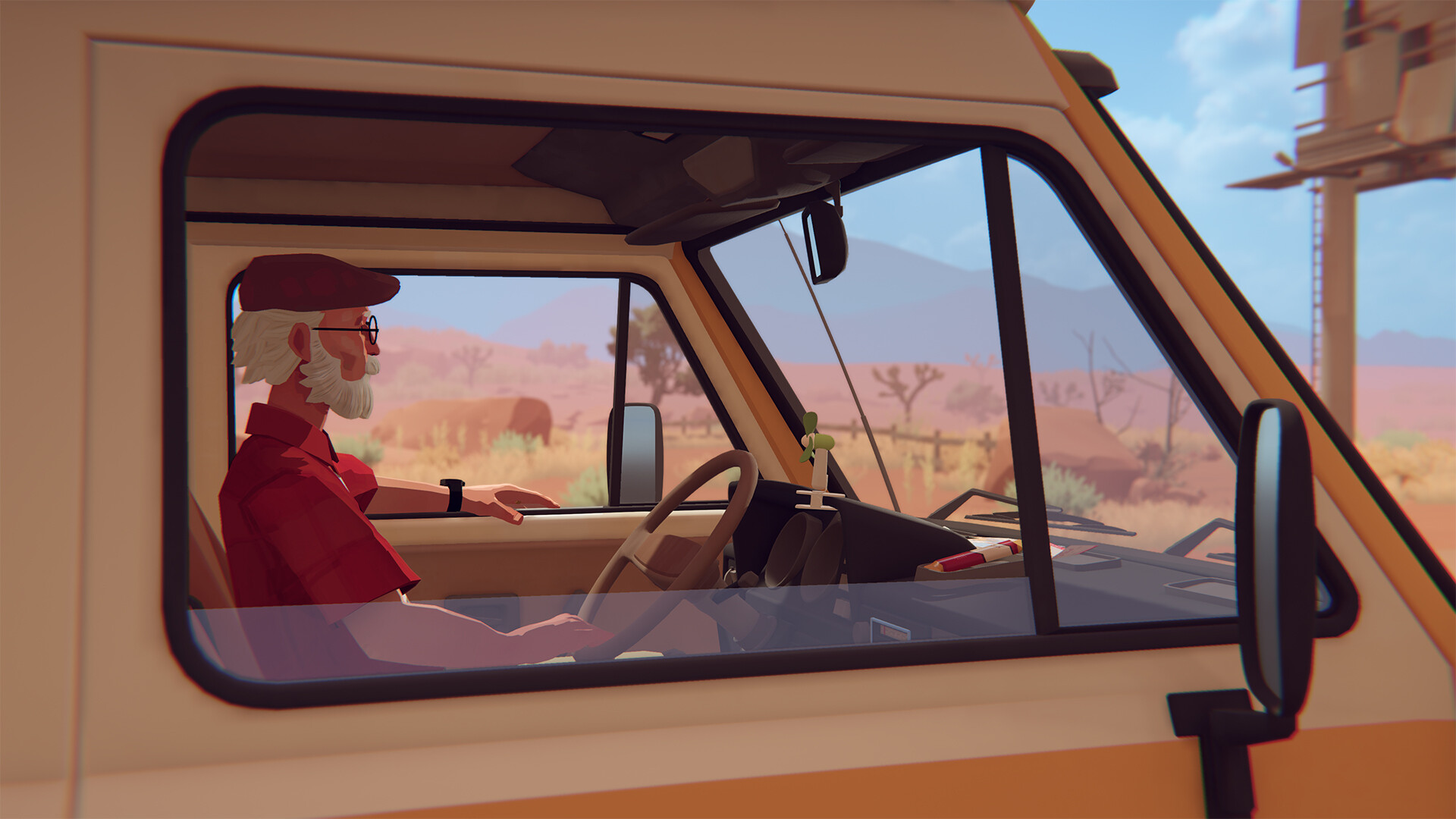
Official screenshot · Source: Steam store
“Available space” means free room when you install, not a promise that the folder will read 8.00 GB forever. Patches and shader caches can nudge the folder later. Use 8 GB as the floor, then leave a cushion so the install is not fighting Windows Update for the last megabyte.
The Forever Ago store page on Steam is the listing to recheck before you buy. If a depot grows, that requirements block should change first. As of late October 2026, minimum and recommended still shared the same 8 GB storage line.
A post-launch note from developers Kai and Fabian called the game a seven-year project. Long development does not equal a huge install. The scope is a contained story: forest trails, hot barrens, conversations, and an instant camera used for memories and small environmental puzzles. An original score by Clark Aboud (also credited on Slay the Spire and Kind Words) is part of that package. Steam’s player-defined tags, which are community labels rather than an official length, include Short, Walking Simulator, Story Rich, Atmospheric, and Emotional. Do not treat “Short” as a timed hour count. The store page does not publish a how-long-to-beat figure.
Reception is separate from file size, but it tells you what you are downloading. Late in October 2026, Steam showed Very Positive, with 96 percent of 381 reviews positive, and 37 curators had reviewed the game. Press coverage described it as a sincere, affecting indie story. That is a finished narrative client, not a live-service install that keeps adding multiplayer maps.
Storage, memory, and the spec sheet
Search results often collide three different “8 GB” ideas. Only one of them is the install. System RAM at the minimum is also 8 GB, and some listed graphics cards carry 2 GB, 3 GB, 4 GB, 6 GB, or 8 GB of video memory. Those figures decide whether the game runs smoothly. They do not decide whether it fits.
| Requirement | Minimum | Recommended |
|---|---|---|
| Operating system | 64-bit Windows 10 | 64-bit Windows 11 |
| Processor | Intel Core i5-2300 or AMD Phenom II X4 965 | Intel Core i5-8400 or AMD Ryzen 5 2600 |
| Memory (RAM) | 8 GB | 16 GB |
| Graphics | GeForce GTX 650 Ti 2 GB, Radeon HD 6950 2 GB, or Intel Arc A310 4 GB | GeForce GTX 1060 3 GB, Radeon RX 590 8 GB, or Intel Arc A580 6 GB |
| DirectX | Version 12 | Version 12 |
| Storage | 8 GB available space | 8 GB available space |
The graphics floor is modest for a 2026 release. A GTX 650 Ti, a Radeon HD 6950, or an Intel Arc A310 meets the listed minimum. Recommended play steps up to a GTX 1060 3 GB, an RX 590, or an Arc A580, with 16 GB of system RAM. You can have a terabyte free and still feel memory pressure on 8 GB of RAM. You can also have 32 GB of RAM and fail the install on a full SSD.
| Resource people confuse | What the official page says | What it actually affects |
|---|---|---|
| Drive storage | 8 GB available space on both tiers | Whether the game fits |
| System RAM | 8 GB minimum, 16 GB recommended | In-game memory headroom |
| GPU memory | 2 GB to 8 GB, depending on the listed card | Resolution and texture comfort |
| Soundtrack | $6.99 separate item; file size not published | An extra download only if you buy it |
Only Windows is documented in that requirements block. macOS and a native Linux build are not listed, so do not plan a desktop install around them. Steam Deck is a different case: the game is marked Verified, which speaks to controls and compatibility, not to a second gigabyte number.
Download size versus the space you should free
Steam does not print a compressed download size next to the 8 GB line. Many store pages only show how much free space you should have. The downloaded package is often smaller than the installed folder, and the client unpacks it on disk. While that happens, the temporary download and the extracted files can sit side by side. A drive with exactly 8.0 GB free can fail even when the final footprint matches the listing.
Treat the Forever Ago size as 8 GB plus working room, not as a single exact byte count.
| Planning step | Space to set aside | Why it helps |
|---|---|---|
| Meet the listing | 8 GB free | Matches both PC tiers |
| Unpacking window | A few extra gigabytes | Download and extracted files can overlap |
| Updates and shaders | About 2–4 GB beyond the listing | Patches and caches are not in the store line |
| System-drive comfort | Stay well short of a full disk | Windows and Steam both need scratch space |
The extra gigabytes are planning advice, not a hidden official total. Recheck the Forever Ago size in the Steam desktop client after the first boot: Settings, then Storage, shows installed titles per drive. That panel is also where you move the game to another disk without a full redownload.
Camera photos are a gameplay feature. The store page does not say they write large files outside the install, so do not budget a second game’s worth of space for snapshots. Steam Cloud covers PC saves. Cloud saves protect progress; they do not shrink the local folder.
English is the only language with full audio on the Steam chart. French, Italian, German, Spanish (Spain and Latin America), Japanese, Simplified and Traditional Chinese, Korean, Polish, Brazilian Portuguese, and Russian include interface text and subtitles. The page does not sell those as separate size packs. Switching subtitles should not be planned as another 8 GB hit unless a future depot note says otherwise.
The base game was listed at $19.99. The soundtrack at $6.99 is separate DLC, so those files should not be assumed inside the 8 GB game requirement. A game-plus-soundtrack bundle was listed at $24.28, and a bundle with Outbound was listed at $40.48. A launch announcement mentioned a limited-time discount, while the product box reviewed for this guide showed $19.99. Prices move. Confirm the cart if you are comparing dollars per gigabyte.
Steam Deck, Xbox, and playing without a local copy
On a roomy desktop SSD, 8 GB barely shows up. On a handheld, it can decide whether you install tonight. Because the Forever Ago size is one of the easier fits among current story games, Deck owners can usually make room by removing one larger title or by installing to a microSD card. Verified means Valve’s testing cleared the default Deck experience. It does not publish a unique file size. Plan on the PC figure of 8 GB available, plus a buffer so system updates still have room.
| Platform | Size information | What official pages add |
|---|---|---|
| Windows on Steam | 8 GB available space | Achievements, Steam Cloud, family sharing, Xbox and PlayStation controller support |
| Steam Deck | Verified; no separate size | Use the 8 GB PC figure plus a small buffer |
| Xbox consoles | Install size not on the cloud listing | Series X and S optimization, 60 fps or higher, spatial sound, Play Anywhere |
| Xbox cloud gaming | No full local install while streaming | Included with Game Pass Ultimate; other tiers may require a purchase |
The Xbox page carries the same October 8, 2026 release, the same developer and publisher, and a Teen rating for mild violence and language. It also notes a pausable game, multiple volume controls, stereo sound, and large, clear subtitles. Xbox achievements, cloud saves, and Xbox Live are listed capabilities.
Streaming skips the local 8 GB folder for that session, but it still needs a stable connection. The Xbox wording says cloud play comes with Ultimate, while Essential or Premium streaming may require buying the game. Provider data charges can still apply. Play Anywhere is a purchase path across Xbox devices, not a published gigabyte count. Console depots and PC depots often differ, so do not copy the Steam number onto your Xbox and treat it as fact. After a console download, the storage screen on that hardware is the number that matters.
Player tags and the review score describe a compact, emotional, single-player trip rather than a growing online world. That community framing fits a small PC footprint. It is still not a measurement of the console build.
How to free space and keep the install healthy
Clearing enough room for this game is usually a short chore if you delete in the right order.
- Open Windows Settings, then System, then Storage. Remove finished games before you touch photos or documents.
- In File Explorer, right-click the install drive, open Properties, and read free space in gigabytes rather than trusting a percentage bar.
- In Steam, use Settings, then Storage, to uninstall one large title or to move this game after it lands.
- Empty the Recycle Bin and reboot once. The last gigabyte sometimes stays locked until restart.
- If this drive is also your Windows drive, leave extra room for system updates. Filling C: to the last megabyte causes problems far beyond one indie game.
An install that dies near the end is usually a temporary-space problem. Free a few more gigabytes and retry. If the folder looks bloated weeks later, compare Steam’s storage readout before you delete cache folders by hand. Verify integrity from the game’s properties menu repairs a bad download without a blind wipe.
DirectX 12 shader compilation can spike disk use on the first launch and again after a GPU driver update. That cache can be rebuilt. It is another reason “8 GB plus a cushion” is the comfortable target.
Recommended hardware is about smoothness, not a bigger Forever Ago size. An older quad-core, 8 GB of RAM, and a 2 GB-class GPU still sit on the published minimum. The listed step up is 16 GB of RAM and a GTX 1060-class card, or the AMD and Intel equivalents in the table above. Storage stays 8 GB either way. Skip the soundtrack DLC if you only want the story client. Add it later as its own download.
FAQ
What is the Forever Ago size on Steam?
Steam lists 8 GB of available space for both the minimum and recommended PC setups. That is the official storage figure. The matching 8 GB RAM minimum is memory, not disk space.
Is the download smaller than the installed folder?
The store page does not publish a separate compressed download size. Plan on the full 8 GB plus a few extra gigabytes so unpacking and later patches have room. After install, Steam’s Storage page shows the real folder weight on your PC.
Do Xbox and cloud play need the same 8 GB?
The Xbox cloud listing does not publish a console install size, so the Steam figure should not be copied over as fact. Streaming avoids a full local install for that session. A standard console install still uses local storage; read the size on your Xbox after it downloads.
Can the install grow after launch day?
Yes. Patches, shader caches, and optional DLC can add disk use. The soundtrack is sold separately, and its size is not listed with the base game. Recheck the store requirements and your library storage page after major updates.
Related Guides
Forever Ago Achievement Guide: Unlock 1000G Fast
Complete Forever Ago achievement guide with tips, chapter lists, missable trophies, and a step-by-step roadmap to 100% completion.
Forever Ago Beginner Guide: Tips, Mechanics & Photo Basics
A complete Forever Ago beginner guide covering camera mechanics, memory petals, journal objectives, scrapbooking, and pacing tips for new players.
Forever Ago Ending Explained: What It Really Means
A spoiler-aware breakdown of the Forever Ago ending, Alfred's journey, the journal's final message, and what 'moving forward' means for his story.
Forever Ago Game Length: How Long to Beat It
Forever Ago is a short narrative adventure. Here's the full game length breakdown, completionist time, chapter pacing, and whether it's worth your evening.